
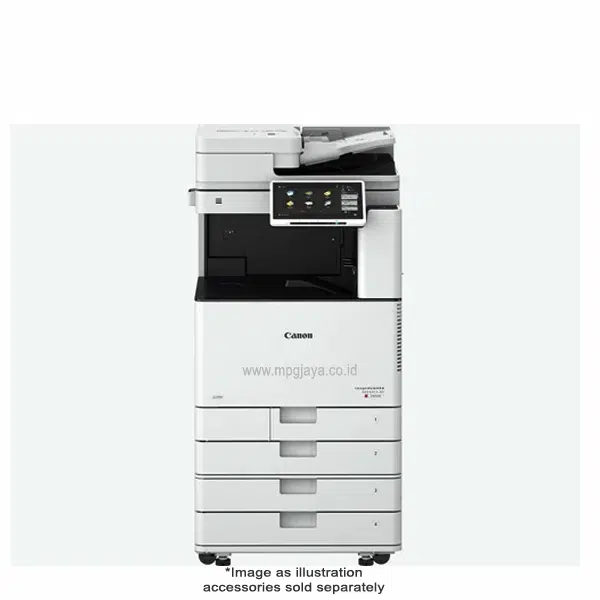
Canon imageRUNNER ADVANCE DX 4935i, Solusi Cetak A3 yang Efisien dan Produktif
Canon imageRUNNER ADVANCE DX 4935i hadir sebagai jawaban atas tuntutan tersebut, menawarkan kinerja cetak monokrom A3 yang luar biasa, dirancang untuk mendorong produktivitas ke level berikutnya.
Dengan kecepatan luar biasa hingga 35 halaman per menit (ppm), DX 4935i memastikan dokumen Anda siap dalam waktu singkat, meminimalkan waktu tunggu dan memaksimalkan alur kerja. Baik itu laporan tebal, presentasi penting, atau dokumen teknis ukuran A3, menangani semuanya dengan kemudahan dan presisi.
Unduh Software Canon IRA DX 4935i>
Feature Canon imageRUNNER ADVANCE DX 4935
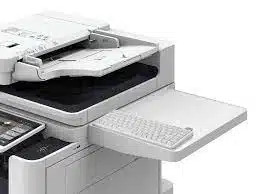
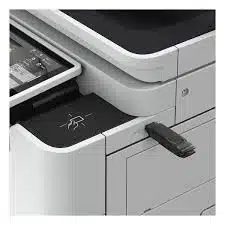
Fitur-fitur unggulan Canon imageRUNNER ADVANCE DX 4935, mulai dari kemampuan cetaknya yang cepat hingga kemudahan penggunaan fitur inovatif.
Bagaimana printer ini dapat menjadi solusi optimal untuk kebutuhan cetak Anda?
- Monochrome Laser Multifunctional
- Print up to 35 ppm (BW)
- 6,350-sheet maximum paper capacity (12 Reams)
- Print up to 11″ × 17″ (A3) – Black-and-white
- Print, Copy, Scan, Send, Store, Optional: Fax
- Scan up to 270 ipm (300 dpi) (BW/color, duplex)
- 1.8 GHz Dual Core Processor, Memory 3.5 GB RAM
- Hardisk SSD Standard: 256 GB
- 1 years Warranty
Beli Sekarang & Dapatkan Diskon 10%!


Rasman –
Easy to set up -works great so far
Performa stabil, hasil konsisten, dan sangat mendukung produktivitas kerja setiap hari